<img height="1" width="1" style="display:none" src="https://www.facebook.com/tr?id=672348691155252&amp;ev=PageView&amp;noscript=1">
Skip to content

How-To Clean Your DuraLabel Bronco

Updated on: February 3, 2026 2 MINUTE WATCH Published on: Feb 03, 2023
 

How to Clean Your DuraLabel Bronco

Video Transcription

In this video you'll see how to clean your DuraLabel Bronco Cleaning your Bronco periodically will extend the printer's life and help to ensure good print quality on every label. We recommend cleaning your Bronco when you change printing ribbons, for convenience.

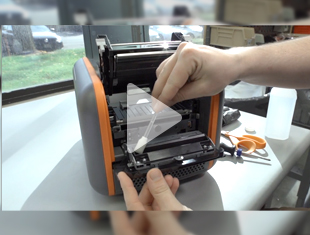
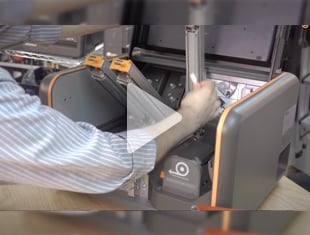
Before cleaning your Bronco, turn it off using the power switch in the back of the printer and unplug the power cord Open Bronco's lid and raise the print head carriage as if you were loading supplies Remove the ribbon take-up core and any loose ribbon from the print head carriage, so that the metal print head on the underside of the carriage is exposed.

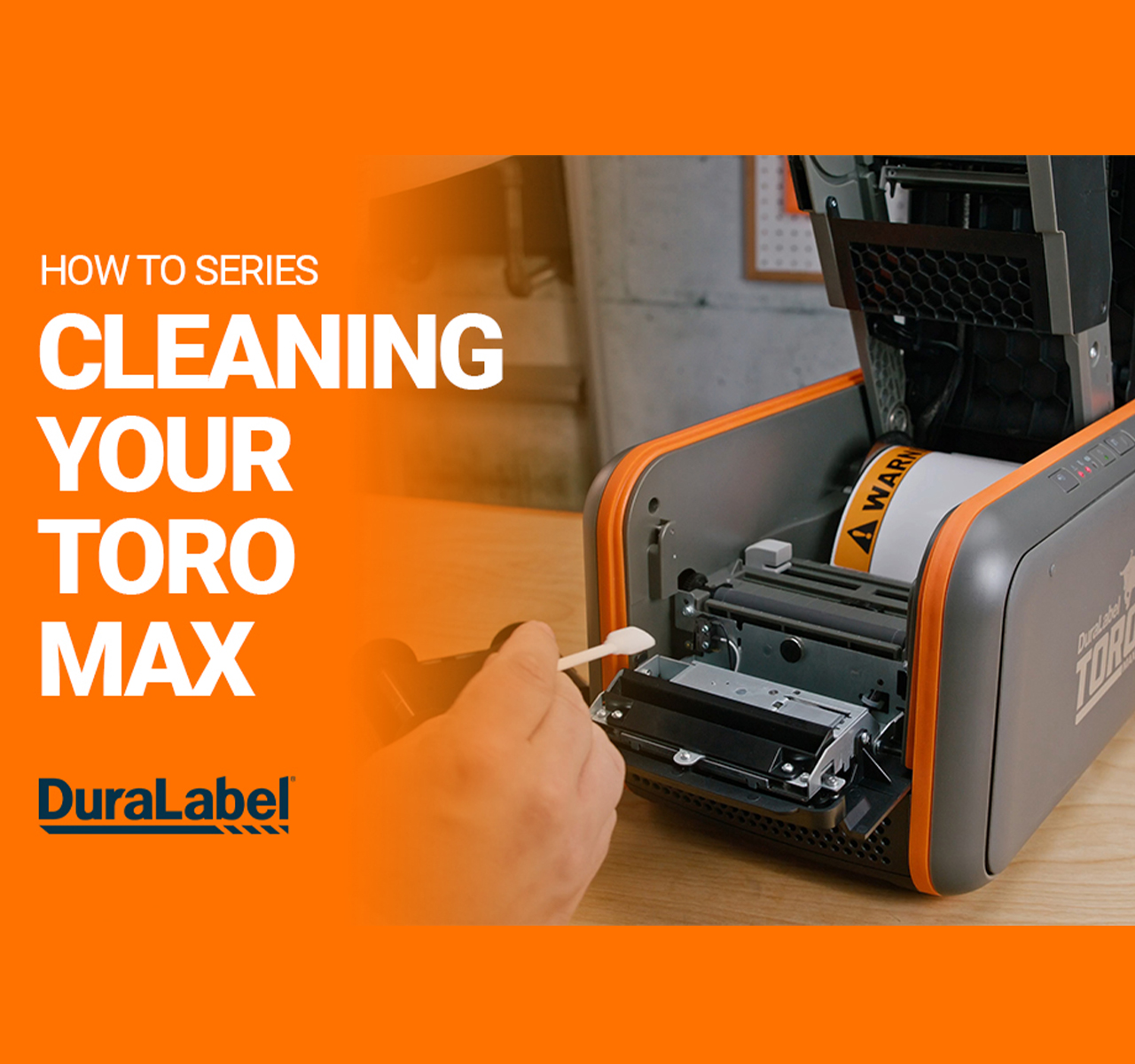
Using the cleaning swab, or a soft cloth moistened with isopropyl alcohol, gently wipe the entire print head clean. Roll back any label stock so that you can reach the turquoise supply guides under the print head carriage.

Using the cleaning swab or cloth, wipe down the guides and the path of the label stock making sure to remove any built up adhesive that may collected underneath the guides. Finally, clean the cutter blades by carefully inserting the cleaning swab from the front of the cutter slot and wiping from side-to-side.

Allow all parts to dry for a minute or so, then reload your supplies and close your Bronco again. You are set to print!

Pipe Marking Quick Start Guide

Free Pipe Marking Quick Start Guide

Ensure proper pipe labeling and improve safety with clear, compliant pipe marking practices.


Get Started

Print Your Own Signs

Free Label Design Software
Free Labeling Samples