.png)
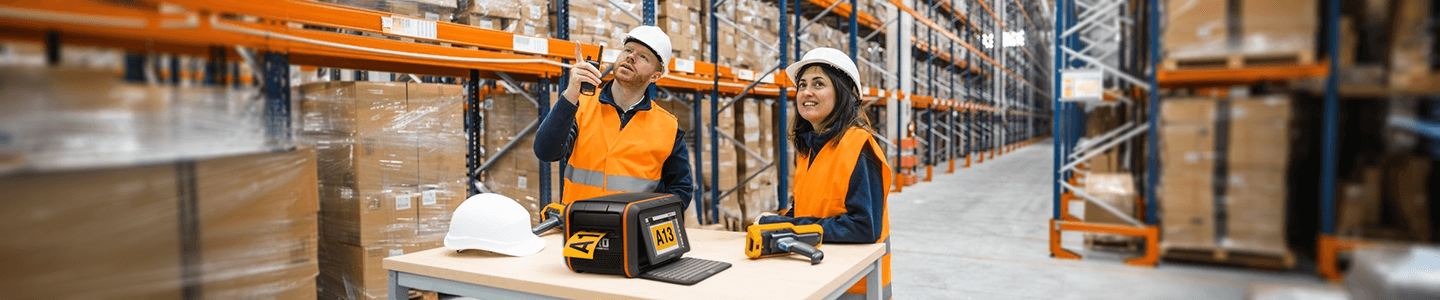
Why Should Facilities Create Custom Safety Signs In-House?
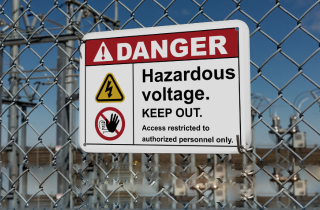
Creating clear, compliant signage is a constant need in industrial facilities—and one that can’t always wait on third-party vendors or generic options. That’s why more teams are turning to in-house solutions for creating their own custom safety signs.
With the right tools, it’s faster, easier, and more cost-effective to design, print, and apply custom workplace signs that meet regulatory requirements and facility-specific needs.
From software setup to supply selection, printing, and inspection, here’s how facilities can take control of sign creation—one label at a time.
Step-by-Step Guide to Create Custom Safety Signs with DuraLabel®
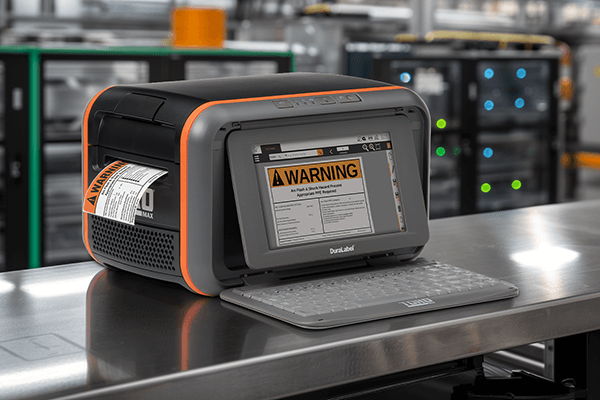
1. Choose the Right Label Template in LabelForge® PRO Design Software
Label creation starts with LabelForge PRO, DuraLabel’s industrial labeling software. Users can choose from a full library of OSHA-, ANSI-, GHS-, and NFPA-aligned templates—or build a sign from scratch with custom text, symbols, and barcodes. Drag-and-drop design tools and layout previews make the software accessible to users of all experience levels.
Want to create bilingual signs, arc flash labels, or floor marking tags that meet OSHA labeling requirements? Templates are preconfigured to meet specific compliance standards, with flexibility to match facility needs. For example, a user labeling a high-voltage panel can start with an NFPA 70E arc flash template, add custom PPE icons, and translate the warning into Spanish—all in minutes.
2. Select the Right Supply Type for the Environment
Once the sign is designed, the next step is choosing the right label supply. DuraLabel offers a wide range of industrial-grade materials engineered to perform in the toughest conditions:
- Premium Vinyl: Long-lasting and flexible for general use
- Reflective Supply: Boosts visibility in low-light or nighttime conditions
- High-Temp and Chemical-Resistant: Stands up to heat, moisture, and caustic substances
- Metal-Detectable: Ideal for food processing, pharmaceutical, and other contamination-sensitive environments
Selecting the correct supply type improves durability, enhances safety, and ensures compliance—especially in regulated areas such as electrical rooms, loading docks, and food processing lines.
3. Print with a DuraLabel Industrial Label Printer
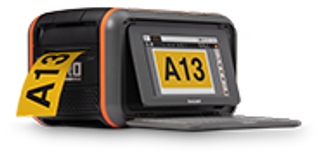
With software and supplies ready, printing takes only seconds. DuraLabel’s Industrial Sign and Label Systems—such as the Bronco Max, Kodiak Max, and Toro Max—are built for high-volume output, consistent quality, and intuitive operation.
Thermal transfer printing produces bold, legible signs that resist fading, peeling, and smudging. Built-in smart sensors automatically align the label supply, while LabelForge PRO integrates seamlessly for a true plug-and-play workflow.
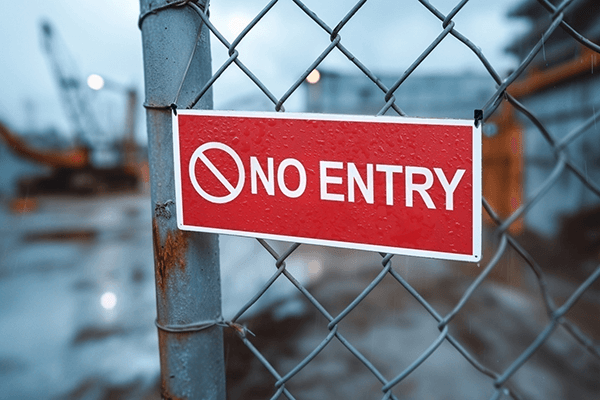
4. Apply the Sign for Maximum Visibility
Clean the surface before applying the sign for optimal adhesion. Whether the label goes on a machine, wall, pipe, or floor, surface preparation is critical. For larger applications, use tools such as rollers or alignment guides to minimize bubbles and ensure straight placement.
DuraLabel supplies are engineered for strong adhesion to metal, plastic, concrete, and other industrial surfaces without the need for additional lamination.
5. Inspect and Maintain for Safety Compliance
After application, inspect signs regularly for damage, wear, or fading. Many facilities include sign reviews in weekly safety walks or shift change checklists. LabelForge PRO also allows users to save templates and printing history, making replacements quick and consistent.
Custom safety signs not only support NFPA and OSHA labeling requirements but also strengthen workplace awareness and help prevent incidents.
Why Facilities Choose Custom Safety Signs Over Pre-Printed Options
Pre-printed signs might seem convenient, but they often fall short when conditions change or new hazards emerge. In-house custom sign creation gives safety managers the flexibility to update signage instantly, in the language and format their workforce needs.
These are the top reasons facilities make their own safety signs:
- Faster turnaround compared to vendor orders
- Consistent facility-wide labeling across departments
- Adaptable to temporary conditions, inspections, or audits
- Lower long-term cost per label
- Greater ownership of compliance and workplace safety
How Industrial Label Printers Simplify Safety Sign Creation
A reliable industrial label printer is the foundation of an efficient in-house labeling system. DuraLabel Industrial Sign and Label Systems produce professional-grade signs that meet regulatory standards—like OSHA labeling requirements—and withstand the toughest conditions.
Built for heavy use, these printers support:
- A wide range of label sizes and materials
- Smart features like an automatic cutter, USB ports, and wireless connectivity
- Seamless integration with safety templates in LabelForge PRO
By combining powerful hardware with user-friendly software, DuraLabel gives teams the tools to create safety signs exactly when and where they’re needed.
Case Study: How Booth & Associates Streamlined Arc Flash Labeling
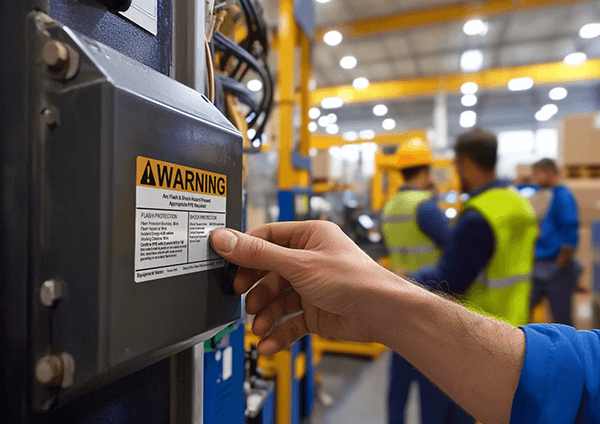
Booth & Associates, an electrical engineering consulting firm, needed a reliable way to deliver compliant arc flash labels alongside their electrical studies. Before bringing labeling in-house, they relied on external vendors—resulting in higher costs, longer turnaround times, and limited control over quality.
To solve this, the firm adopted a DuraLabel Industrial Sign and Label System with LabelForge PRO, allowing them to:
- Customize arc flash labels for each project with system-specific data
- Meet NEC, NFPA 70E, and OSHA labeling requirements
- Offer a seamless arc flash study and labeling service under one roof
- Improve efficiency and eliminate outsourcing delays
- Deliver durable, long-lasting labels designed for harsh environments
“I am able to print customized arc flash hazard labels for a variety of projects for our clients, allowing us to better serve them and not have to go elsewhere for their label printing needs.” — Kate Massey, Engineering Technician, Booth & Associates
Since implementing their in-house system, Booth & Associates has enhanced its service offerings, strengthened client relationships, and ensured timely delivery of regulation-compliant labels for critical projects.
Read the full Booth & Associates case study to see how in-house labeling transformed their arc flash compliance process.
DuraLabel Resources to Create Custom Safety Signs
Waiting on vendors or relying on generic signage can delay critical safety updates. LabelForge PRO Design Software gives your team the tools to meet compliance requirements, improve visual communication, and streamline sign creation across your entire facility.
With an integrated library of over 1,800 standardized symbols—including OSHA headers, GHS pictograms, ANSI formatting, and bilingual options—LabelForge PRO makes it easy to produce consistent, compliant safety signs in minutes.
Pair LabelForge PRO with any DuraLabel Industrial Sign and Label System to bring your labels to life. Built for speed, reliability, and durability, DuraLabel systems print high-quality safety labels and signs using long-lasting thermal transfer technology—making them a dependable choice for fast-paced industrial environments.
Download LabelForge PRO today to simplify your safety signage workflow and produce accurate, professional-grade signs on demand.
Still have questions about DuraLabel’s labeling software or printers? Call 1-888-411-3520 to speak with an expert.
Read Next:
Why Electrical Engineers Need LabelForge PRO for Consistent Compliance
The Power of Custom Signs in OSHA and ANSI Compliance
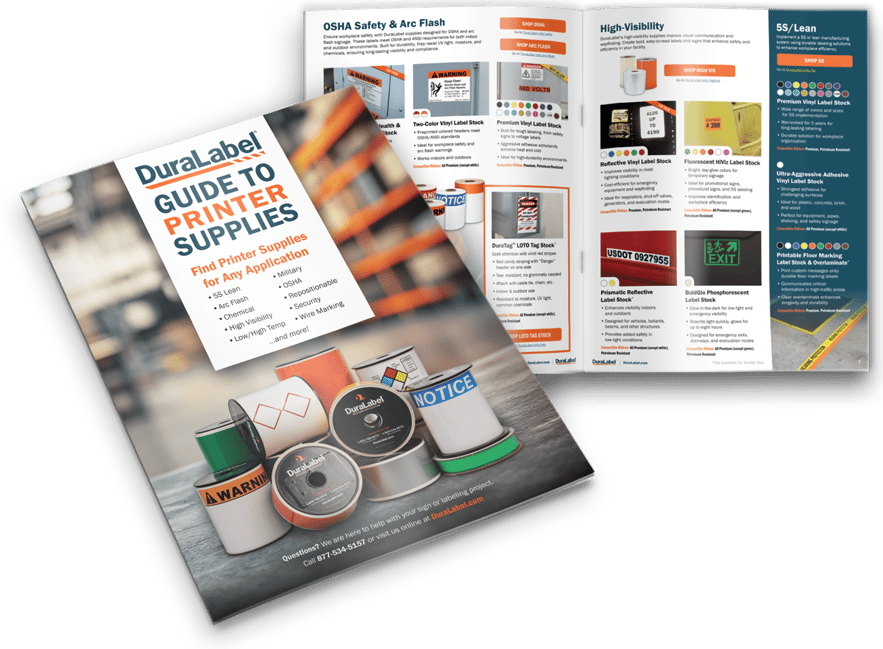

Why Engineers Rely on LabelForge PRO for OSHA Electrical Safety
What Is LabelForge PRO and What Is It Used For? DuraLabel LabelForge® PRO Design Software is an industrial ...
Read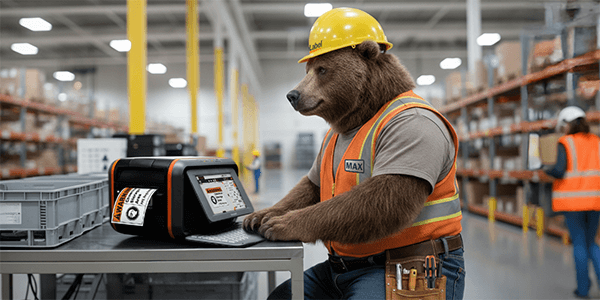
When Facilities Should Upgrade an Industrial Label Printer
When Should You Upgrade Your Industrial Label Printer? Facilities should upgrade an industrial label printer ...
Read
SCCR - Short Circuit Current Rating
NEC 409/UL 508A NEC defines the Short Circuit Current Rating (SCCR) as: "The prospective symmetrical fault ...
ReadTake Action
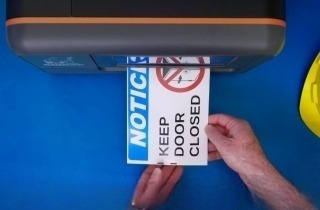
Print Your Own Signs
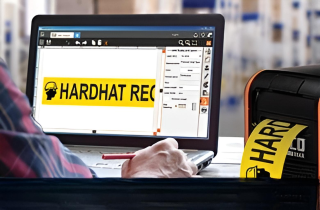
Free Label Design Software