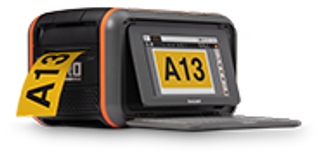
How-To Clean Your DuraLabel Lobo
How To Clean DuraLabel Lobo
Video Transcription
DuraLabel.
To clean your DuraLabel Lobo, first ensure that the power is turned off.
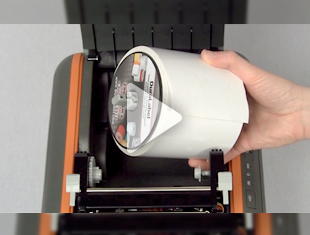
If a supply cartridge is loaded, remove it by turning the cartridge lock counterclockwise, and then lift the cartridge up.
The three parts that need to be cleaned regularly on the Lobo are the platen roller, the print head, and the blade.
First, prepare a DuraLabel cleaning swab by placing the swab between two fingers and squeezing until the swab snaps.
The alcohol will then saturate the cotton end of the swab.
If no cleaning swab is available, a cotton swab lightly soaked in rubbing alcohol will work.
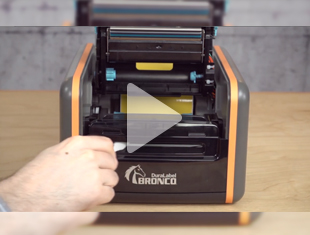
Run the swab back and forth several times across the printhead to remove all built up adhesive, residue, and dust particles.
Clean the entire platen roller until all sides are clean. Finally, clean the blade from any adhesive buildup.
Allow the alcohol a few minutes to completely dry. Your Lobo is now clean and ready for use.
For more information about the DuraLabel Lobo, call 1-800-788-5572 or visit us online at DuraLabel.com.
Related Resources
How-To Load Supply in Your DuraLabel Toro Industrial Label Printer
How-To Load Supply in Your DuraLabel Toro Industrial Label Printer Video Transcription In this video, we're ...
Watch NowHow-To Clean Your DuraLabel Bronco
How to Clean Your DuraLabel Bronco Video Transcription In this video you'll see how to clean your DuraLabel ...
Watch NowHow-To Clean Your DuraLabel Kodiak Industrial Label Printer
How-To Clean Your DuraLabel Kodiak Industrial Label Printer Video Transcription This video will show you how ...
Watch Now